Introduction
Your working day might finish at five. A customer may only start looking for help at seven.
They could be planning a weekend away, researching a home improvement project or checking a service before getting in touch. When they call or send a message, a useful response can help them decide what to do next.
You can support those enquiries without asking your team to stay available all evening. Start with accurate information, a way to capture requests and a clear process for anything that needs a person.
Decide what customers should be able to do
Look at the questions your business receives after closing. Which can be answered using information you already have, and which need someone from your team?
Opening hours, service areas and standard booking arrangements are good examples of information you can prepare in advance. Quotes, unusual requests and decisions requiring approval may need to wait.
Choose a few useful outcomes for your out of hours service. Customers might need to:
- Check whether you provide a particular service.
- Understand your booking or enquiry process.
- Leave the details of a new request.
- Arrange an appointment where a suitable booking connection is available.
- Find out when your team will respond.
This gives your service a clear purpose and helps you decide what information to provide.
Make your business information easy to find
Before adding automation, check the basics. Your website, phone greeting and business profiles should show the same opening hours and contact details.
Include answers to the questions customers ask most often. If you serve specific areas, list them clearly. If a quote requires a visit, explain how to request one.
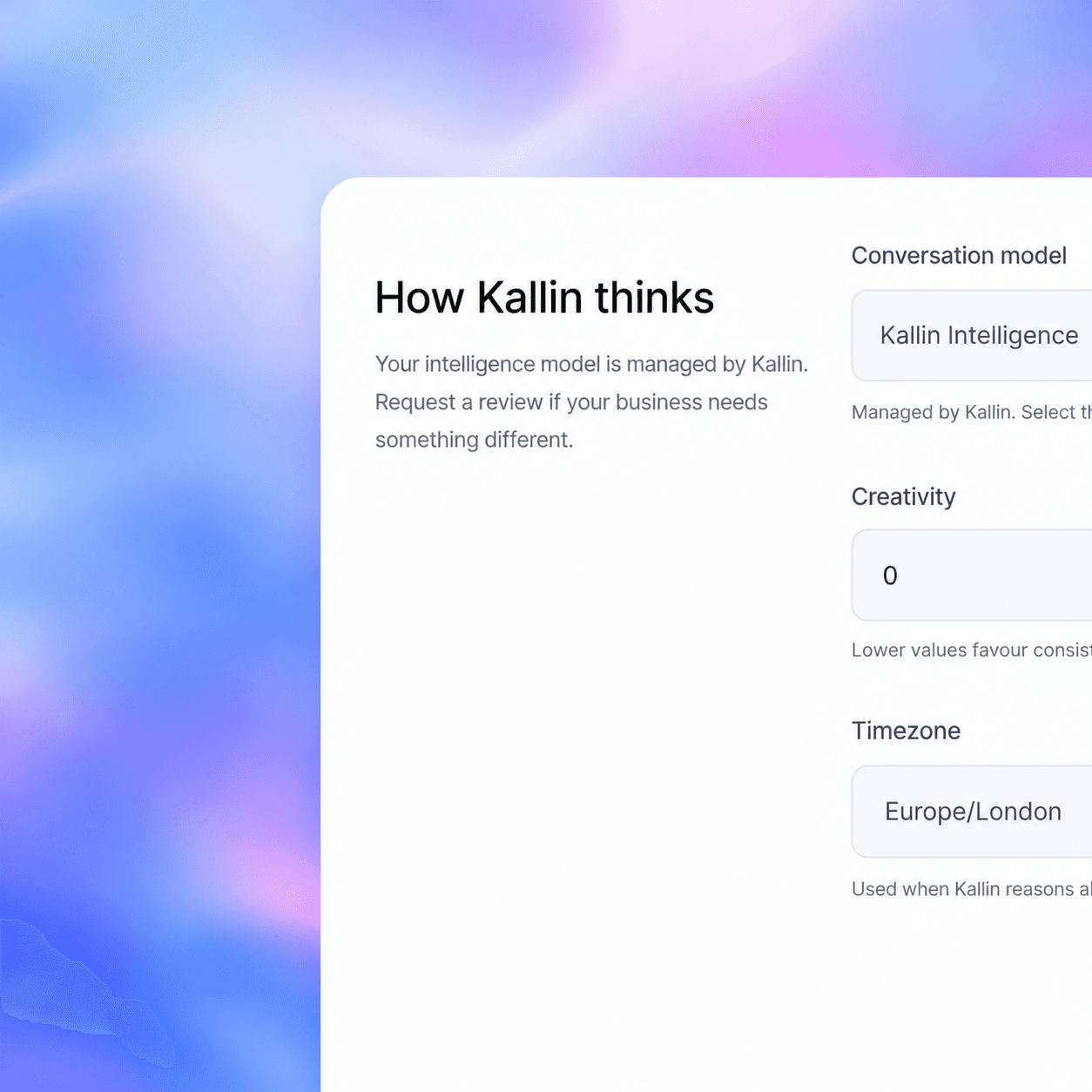
An automated assistant also needs this information. With Kallin, the details and instructions you supply guide how it handles conversations. Keep them current when your hours, services or arrangements change.
A helpful response starts with an accurate answer.
Support the ways customers contact you
An out of hours enquiry might arrive through a phone call, your website or WhatsApp. Think about what someone needs in each situation.
Phone calls
For callers, an AI receptionist can answer common questions using your business information and collect details for your team.
You can use call forwarding to route calls to Kallin after closing, where your phone provider supports that arrangement. Check the available scheduling options and any forwarding charges with your provider.
Set an appropriate greeting so callers understand how their enquiry will be handled and when a member of your team will be available.
Website chat
Someone browsing your website in the evening may have a question before they are ready to fill in an enquiry form.
A configured Kallin website chatbot can help answer questions covered by your business information and capture an enquiry that needs your team. Make it clear how customers can request a human response.
Keep useful information on the website itself too, so visitors can choose how they find an answer.
If your business uses WhatsApp for enquiries, give customers a clear response when your team is away.
With Kallin connected and configured for WhatsApp, customers can ask questions and share the details needed for follow-up. Use the same business information and response expectations across your channels, so customers receive consistent guidance.
Collect enough information for a useful follow-up
The details you collect should help the next person who handles the enquiry.
For a quote request, that might mean the customer’s name, contact details, location and a brief description of the work. For an accommodation enquiry, it could mean preferred dates, party size and a particular requirement.
Ask only for information relevant to the request. A short conversation should give your team enough context to respond without making the customer work through unnecessary questions.
Where a booking connection is available, an assistant may be able to help arrange an appointment. A booking request should only be described as confirmed once the relevant system or your team has confirmed it.
Explain what happens next
An immediate reply is useful, but customers also need to know whether anything still needs doing.
If your team will review the request on the next working day, say so. If a quote needs an assessment, explain that. Use your actual working schedule rather than promising a response the following morning when you may be closed.
For example:
“I’ve taken the details of your enquiry. Our team returns on Monday and will review your request then.”
If you offer an on-call service, define which requests qualify and how they should reach the person responsible. Where you do not offer that service, keep the response clear about when help is available.
An example for a guesthouse
Imagine a potential guest calls a guesthouse in the evening, after reception has closed. They want to know whether dogs are welcome and how late check-in works.
Using the information the guesthouse has supplied, Kallin can explain its pet policy and late check-in arrangements.
If the guest also wants a room for particular dates, the next step depends on the setup. With a suitable booking connection, Kallin can help with the configured booking process. Otherwise, it can collect the dates and contact details for reception to review.
The guest gets answers to their initial questions, and reception has a clear request to follow up when the team returns.
Give the morning follow-up an owner
Decide who reviews the enquiries received while you were closed. Make this a regular task, with a backup person for days when the usual team member is away.
Review the conversation, check important details and assign any action required. Record when the customer has been contacted so the team can see what is still outstanding.
If several enquiries ask the same unanswered question, use that as a prompt to improve your website information and the instructions supplied to your assistant.
Your out of hours checklist
Before you put the process into use, check that:
- Your opening hours are accurate across your contact channels.
- Common questions have clear, approved answers.
- Calls and messages reach the intended service after closing.
- Customers are told when to expect a human response.
- Booking requests and confirmed bookings are clearly distinguished.
- Someone is responsible for reviewing and following up on enquiries.
- You have tested the experience as a customer.
Support customers after your team finishes
Kallin can support customer conversations across phone, website chat and WhatsApp, using the business information, instructions and connections you configure.
Start with the questions you receive most often and the details your team needs to follow up. That gives customers a useful next step while your business is closed.
Speak to the Kallin team about setting up out of hours support for your business.