Introduction
A customer calls while you are working. Someone browsing your website has a question. A WhatsApp message arrives after your team has finished for the day.
Each conversation is a chance to help someone, understand what they need and take the enquiry forward. Giving every request your attention can be difficult when you are also running a business.
Kallin is an AI receptionist and customer conversation platform that helps with those moments. It can answer questions, capture enquiries and support bookings across phone, website chat and WhatsApp, using the information and instructions you provide.
Here is how the product fits into your working day.
Start with your business information
Kallin needs to understand how your business works. During setup, you provide information such as your services, opening hours, areas covered and answers to common questions.
You also set the instructions for handling enquiries. That includes what details to collect, what Kallin can confirm and when a member of your team needs to take over.
For a landscaping business, the conversation might focus on the type of work and the property location. For a hotel, it might cover check-in arrangements, facilities and booking enquiries.
Your greeting and responses should feel appropriate to your business. You choose how Kallin introduces itself and how you want customers guided through the conversation.
Help customers through calls chat and WhatsApp
Customers do not all contact you in the same way. Kallin supports different ways of getting in touch, with channel availability depending on your plan and setup.
Phone calls
Kallin can answer calls, respond to common questions and ask for the details needed to handle an enquiry.
Imagine someone calls a garage to ask about a service while the team is working on a vehicle. Kallin can use the garage’s supplied information to explain the process and collect details for a callback or a supported booking.
The customer has a way to explain what they need, and the team can review the enquiry when they are available.
Website chat
A visitor might be interested in your service but have a question before making contact.
Website chat gives them a place to ask it. Kallin can answer questions covered by your business information and collect contact details when the visitor needs further help.
For example, someone looking at a survey service might want to check whether you cover their area and understand what information they need to request a quote.
On plans that include WhatsApp AI chat, Kallin can hold an interactive conversation through your connected business WhatsApp.
Customers can ask questions, share enquiry details and get help with supported booking steps. Set a clear route to your team for requests that need a person.
This gives customers a messaging option alongside calling or using your website.
Capture the details your team needs
A name and number tell you who to contact. Understanding the request helps you make that follow-up useful.
You can instruct Kallin to ask relevant questions, such as where a job is needed, what service someone is interested in or when they would like to speak to your team.
Think about what you normally ask at the start of a customer conversation. Gathering those details early can help you prepare the right response.
Keep the questions focused. A simple enquiry should be easy for the customer to explain.
Help with bookings and hand requests to your team
Some conversations can lead directly to an appointment. With a supported calendar connected and booking rules configured, Kallin can help customers find a time and make a booking.
Other requests need a person. A customer may need advice, a tailored quote or a discussion about an existing job. Kallin can transfer calls where configured or collect a message when your team is unavailable.
You decide which situations need that handoff. If you need to assess a job before giving a price, for example, the next step should be an assessment rather than an unapproved quote.
Review conversations and follow up
Once a conversation ends, your team needs to know what happened.
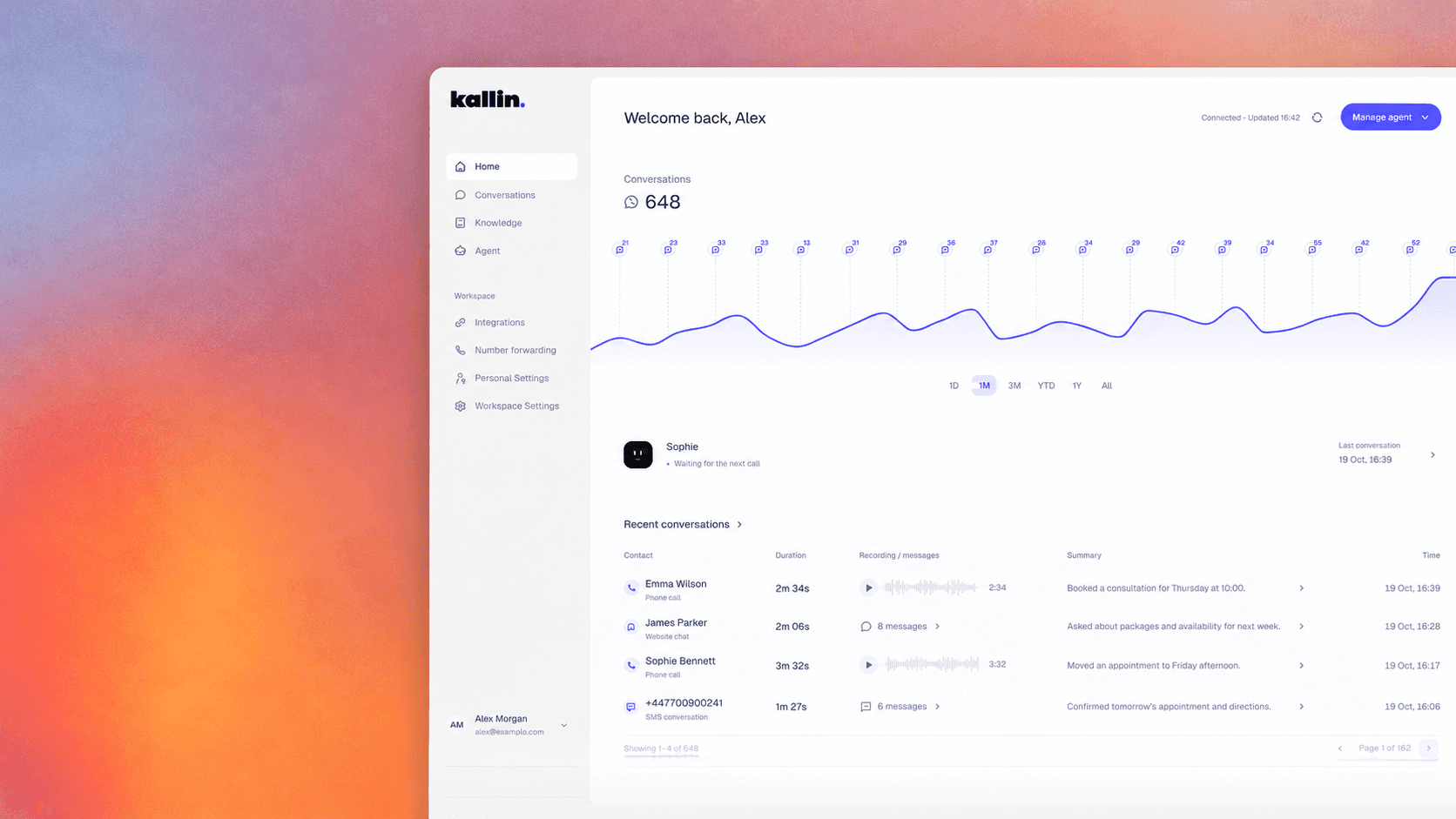
Kallin provides conversation summaries so you can review who got in touch and what they needed. That gives you context before you call someone back or assign the enquiry to a colleague.
A useful routine is to check new enquiries at agreed points during the day, confirm important details and record any action taken.
For a small business, that might mean the owner reviewing requests between appointments. For a larger team, one person might distribute enquiries to the right colleagues.
Refine instructions with Kallin Intelligence
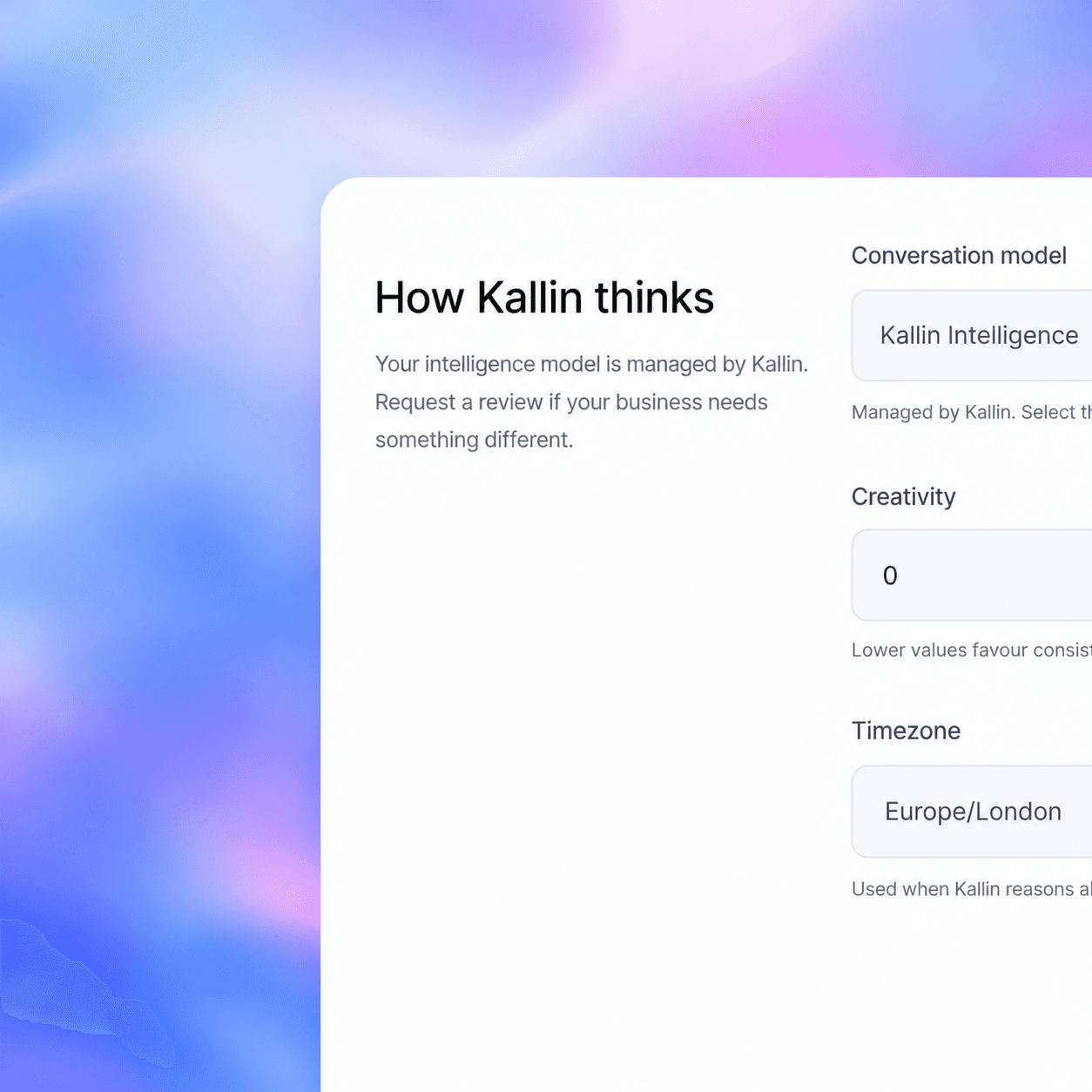
Where included and enabled, Kallin Intelligence adds a daily review process for eligible conversations.
It looks at what worked, identifies areas that could be clearer and refines the assistant’s instructions for future enquiries. The aim is to help the way Kallin handles conversations develop through use.
For example, a review might identify that customers need a clearer explanation of the next step after requesting a quote.
Your approved business information still matters. Keep your services, hours and arrangements current as they change.
Keep your number and choose when Kallin helps
You can keep your existing business number by forwarding calls to Kallin.
Depending on your phone provider’s options, you might let your team answer first and forward unanswered calls, or arrange support outside your opening hours. Check your provider’s forwarding options and charges during setup.
That lets you choose where Kallin fits. You might begin with calls your team cannot get to, then consider website chat or WhatsApp as part of your wider enquiry process.
Get started with your own customer conversations
Start by thinking about the questions your business receives most often and what you want to happen when someone contacts you.
From there, setup brings together your business information, greeting, enquiry questions and any supported connections. Test typical conversations and handoffs before putting them into use.
A useful demonstration should reflect the calls and messages your business actually receives. Bring a few examples and see how Kallin could help handle them.
Request a Kallin demo to explore the product for your business.